
WMS+ 3.2607 introduces two new Process Settings that control manual item selection and display scanning progress. The following sections show how to enable each setting and the resulting change in WMS+.
Block Manual Item Selection
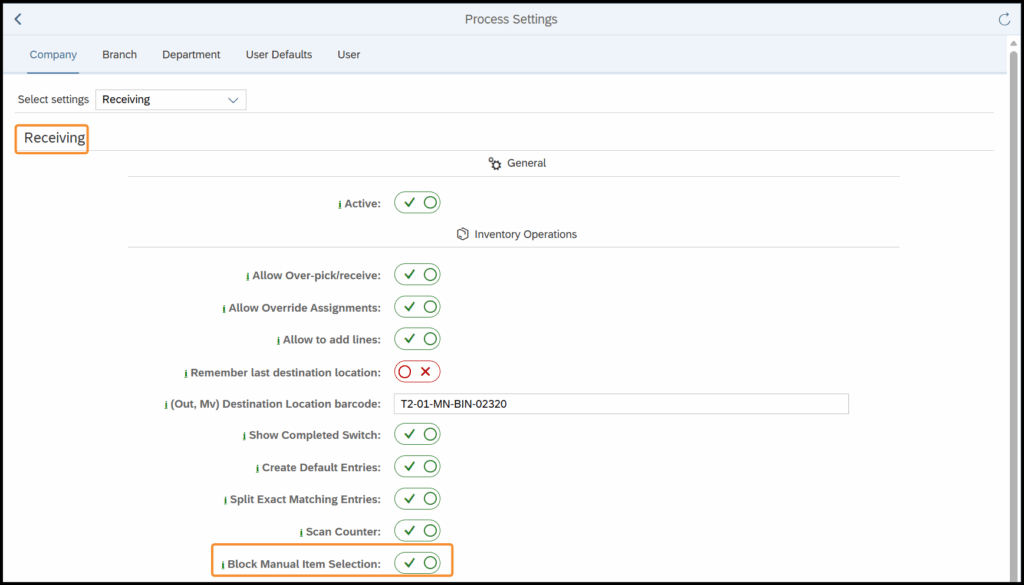
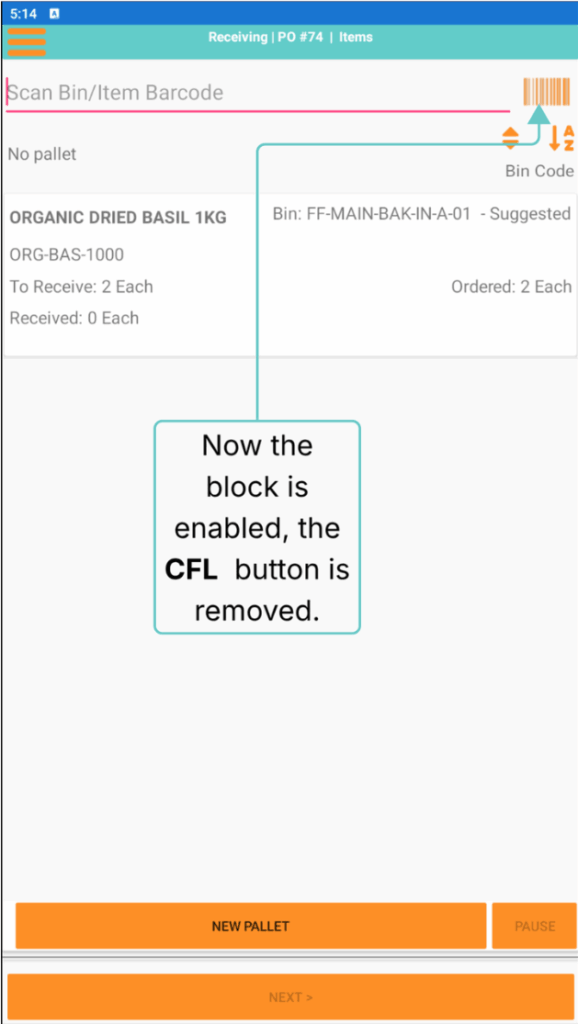
A new Block Manual Item Selection Process Setting has been added to Process Settings in the WMS+ Admin Panel. WMS+ hides the Choose from List button for the selected process, preventing users from selecting items manually.
Enable Block Manual Item Selection
Open WMS+ Admin Panel → Application Customization → Process Settings. In Select settings, select the required process. Enable Block Manual Item Selection.
Effect in WMS+
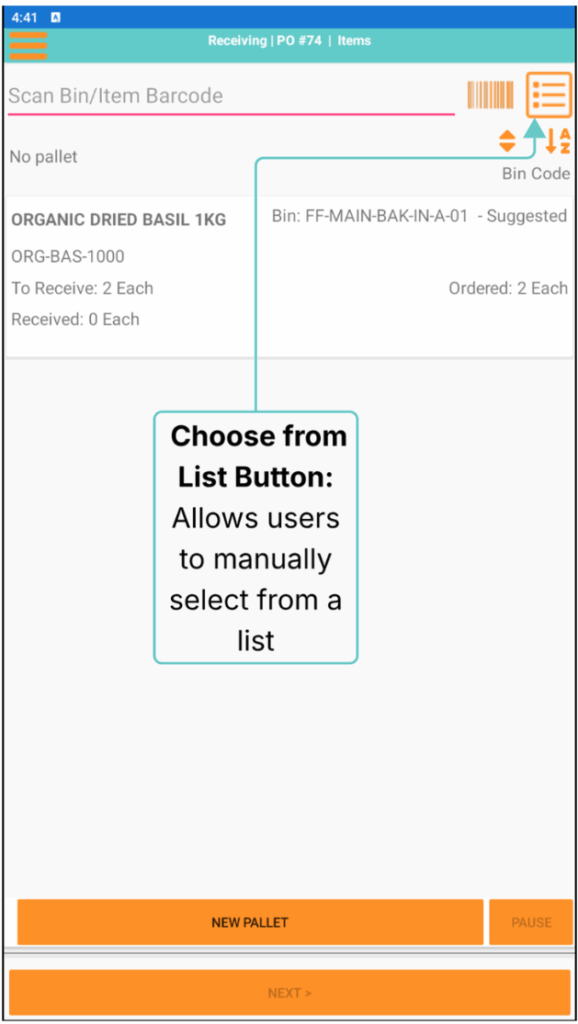
With Block Manual Item Selection disabled, users can click the manual item selection button to select an item.
With Block Manual Item Selection enabled, WMS+ removes the manual item selection button. Users must scan the item barcode to continue.
Scan Counter for Transfers
Scan Counter displays the number of scan entries recorded against each document line during Transfer and Transfer Request processes.
Enable Scan Counter
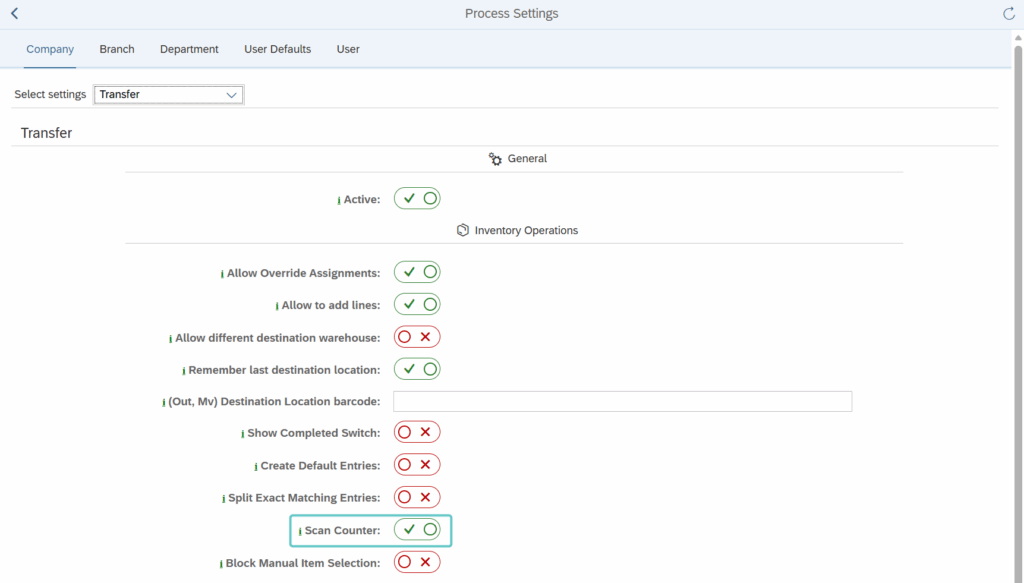
Open WMS+ Admin Panel → Application Customization → Process Settings. In Select settings, select Transfer. Enable Scan Counter.
Effect in WMS+
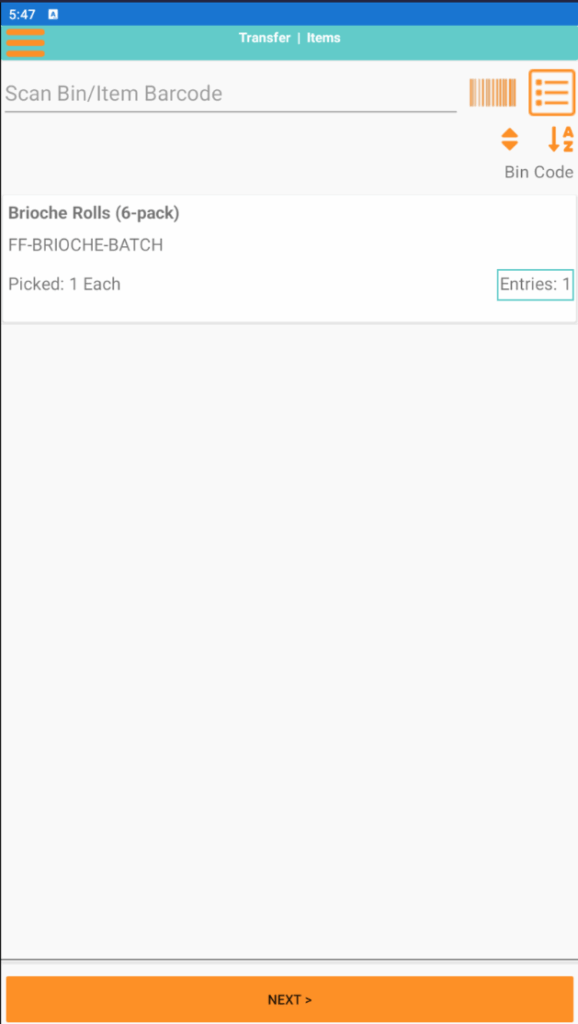
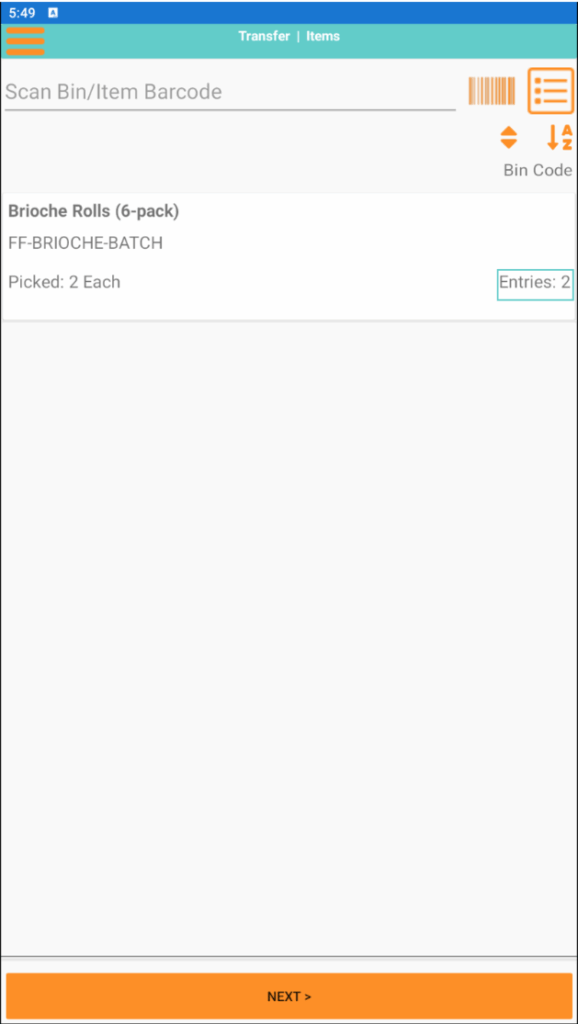
With Scan Counter enabled, WMS+ displays the number of entries recorded against each document line.
After the first scan, the document line displays Entries: 1.
After the second scan, the document line updates to Entries: 2.